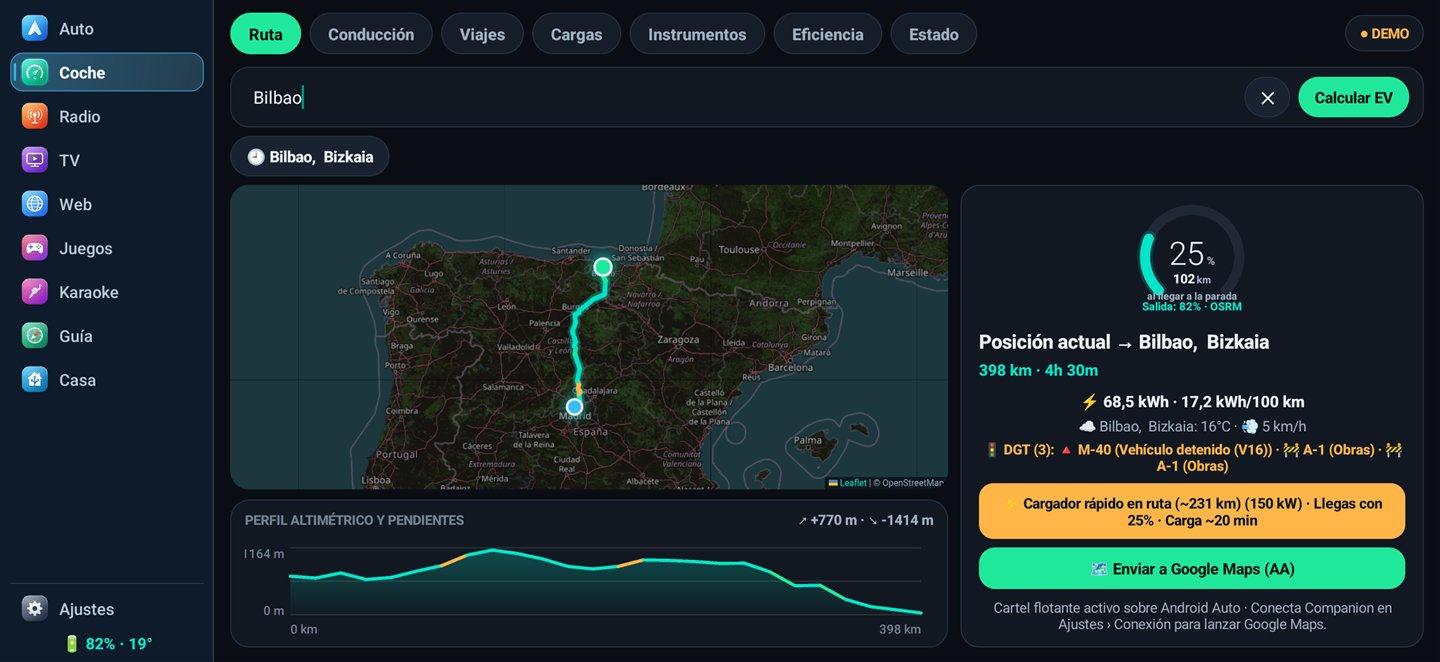
Qonecta Hub · Vivaldi
🚗 FIRST-TIME CAR INSTALLATION · VIVALDI

Open your car's file explorer & install Qonecta Unit

Since Vivaldi in the car blocks direct downloads, use this page to launch Android's native file explorer and install the .APK from your USB drive.

FILE EXPLORER · 100% LOCAL

Launch the car's file manager

Plug in your USB drive containing the .APK file and tap the large button below to open Android's hidden file explorer.

📦 Current official file: QonectaUnit_1.1.0-core.apk · 39.4 MB (v1.1.0-core)
🔒 100% local on your car: no file is ever uploaded to the internet.
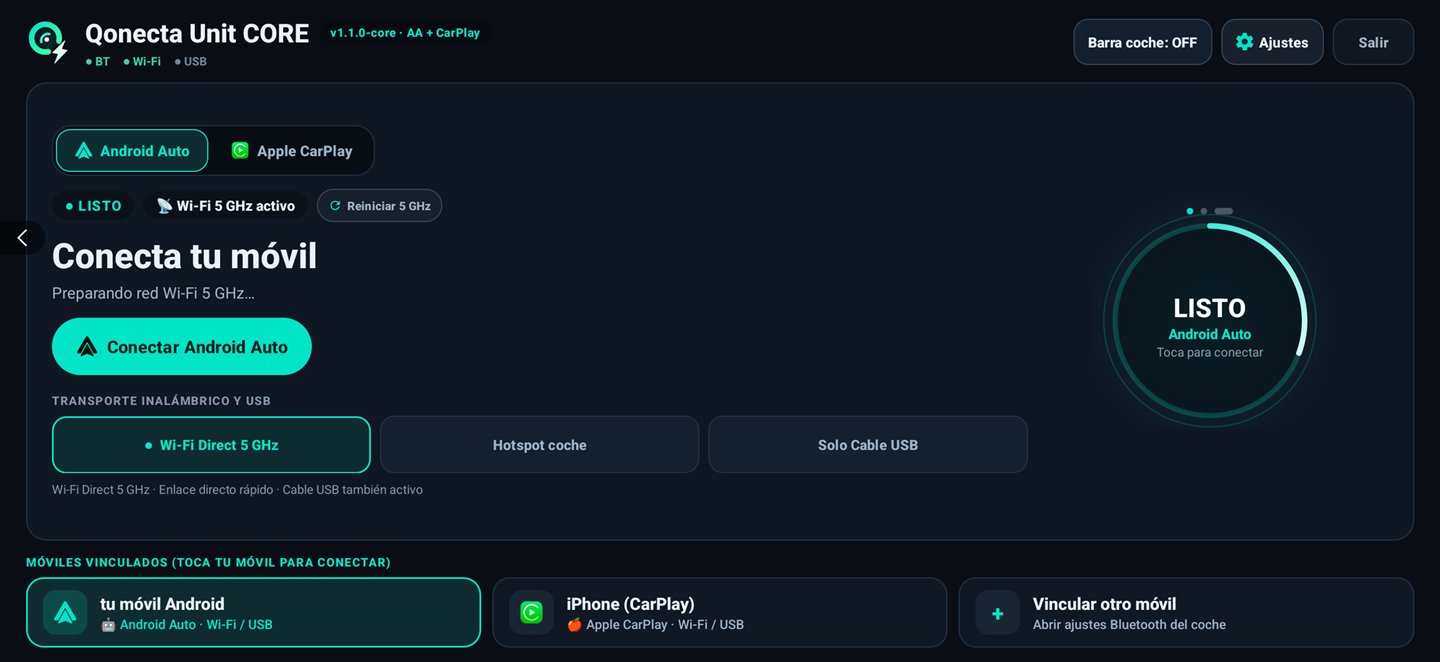
DETAILED STEP-BY-STEP GUIDE

How to install Qonecta Unit for the first time

📖 Download Manual (PDF) 🌐 Read online manual
  1. 1

    Copy the .APK to a USB drive (from PC or phone)

    Download the latest official release at qonecta.app on your PC or phone and copy it onto a FAT32 or exFAT USB stick.

  2. 2

    Plug the USB stick into the car's data USB port

    Use the center-console data USB port (not a charge-only port) and wait 3–5 seconds for the head unit to mount it.

  3. 3

    Tap «Open File Explorer» on this page

    Vivaldi will trigger Android's built-in file manager (DocumentsUI), which is normally hidden on the head unit.

  4. 4

    Select your USB drive from the ☰ sidebar

    Inside the file explorer, tap the ☰ menu in the top-left corner and choose your USB flash drive.

  5. 5

    Tap the ⤢ icon on the .APK (not the filename)

    Tap the expand ⤢ icon next to the .APK to open quick view and launch the Android installer. Tapping the text only attaches it back to this page.

  6. 6

    Allow unknown sources & tap «Install»

    If prompted on first install, toggle «Allow from this source» and confirm Install. Qonecta Unit will appear in your car's app drawer!

Qonecta Unit CORE v1.1.0 📖 Qonecta Unit CORE v1.1.0 · Read online manual → Qonecta Unit+ Extended 🧭 Qonecta Unit+ Extended & Companion · Read online manual →
Short URL to type in Vivaldi
qonecta.app/go
⚠️ Legal Disclaimer & Experimental Use

Qonecta (Qonecta Unit CORE, Qonecta Unit+ Extended, Qonecta Companion, and Qonecta+) is an independent, free, open-source, experimental community project. It is NOT affiliated with, sponsored, authorized, or endorsed in any way by Leapmotor, Stellantis, Google, or Apple. This software is provided "AS IS" without warranty of any kind; the author and contributors accept no liability for any damage, malfunction, or warranty impact arising from its installation or use. Every user installs and uses it at their own discretion and sole risk.