User Manual — Qonecta+ v0.3.20 (Android Phone · QDLink)
Illustrated guide with 9 real phone screenshots: installs only on your Android phone, connects to your Leapmotor C10 via factory QDLink (zero car installation), remote vehicle controls, trips, EV planner, Home Assistant and private diagnostics.
🔍 Tap any screenshot to view fullscreen
1. What is Qonecta+ & Requirements (Phone Only)
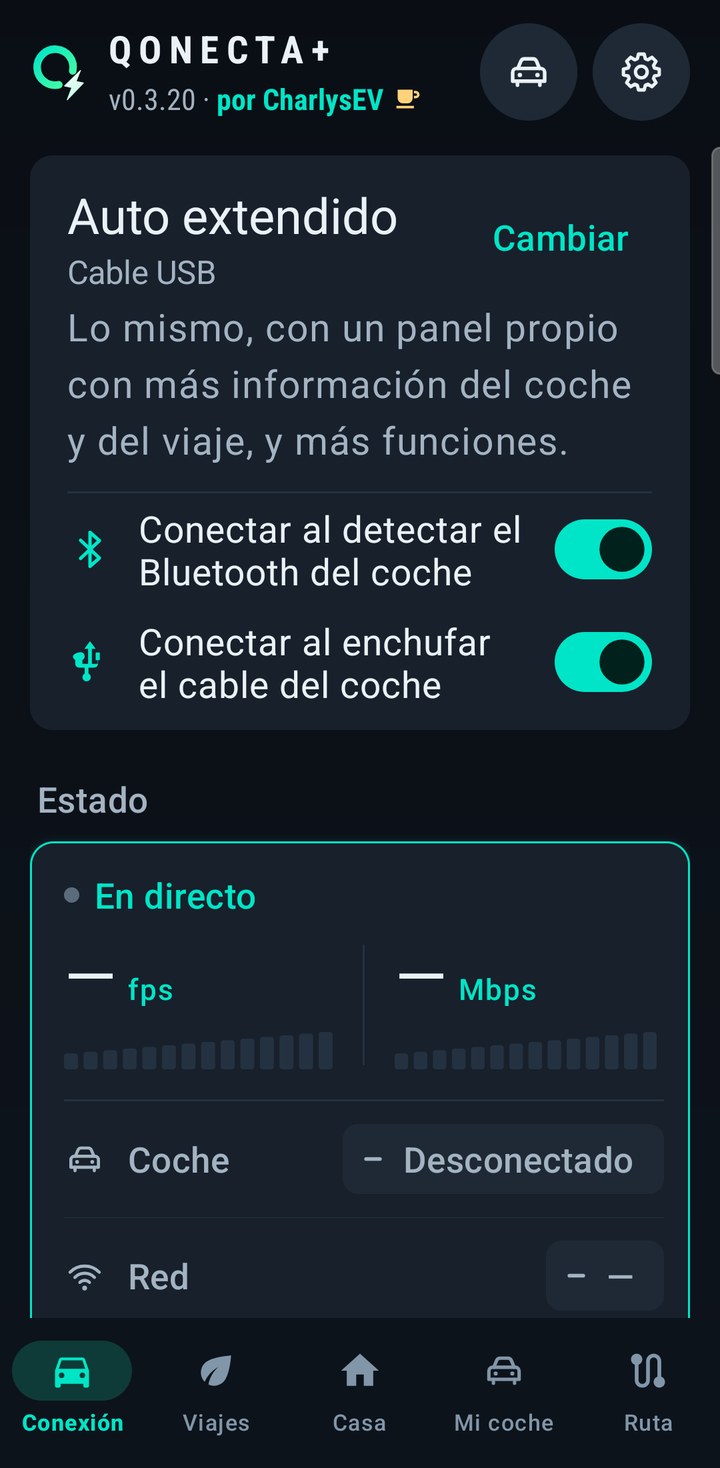
- Qonecta+ (com.headqlink.app) installs ONLY on your Android phone — no Vivaldi, no USB drive and nothing installed on the Leapmotor C10 screen.
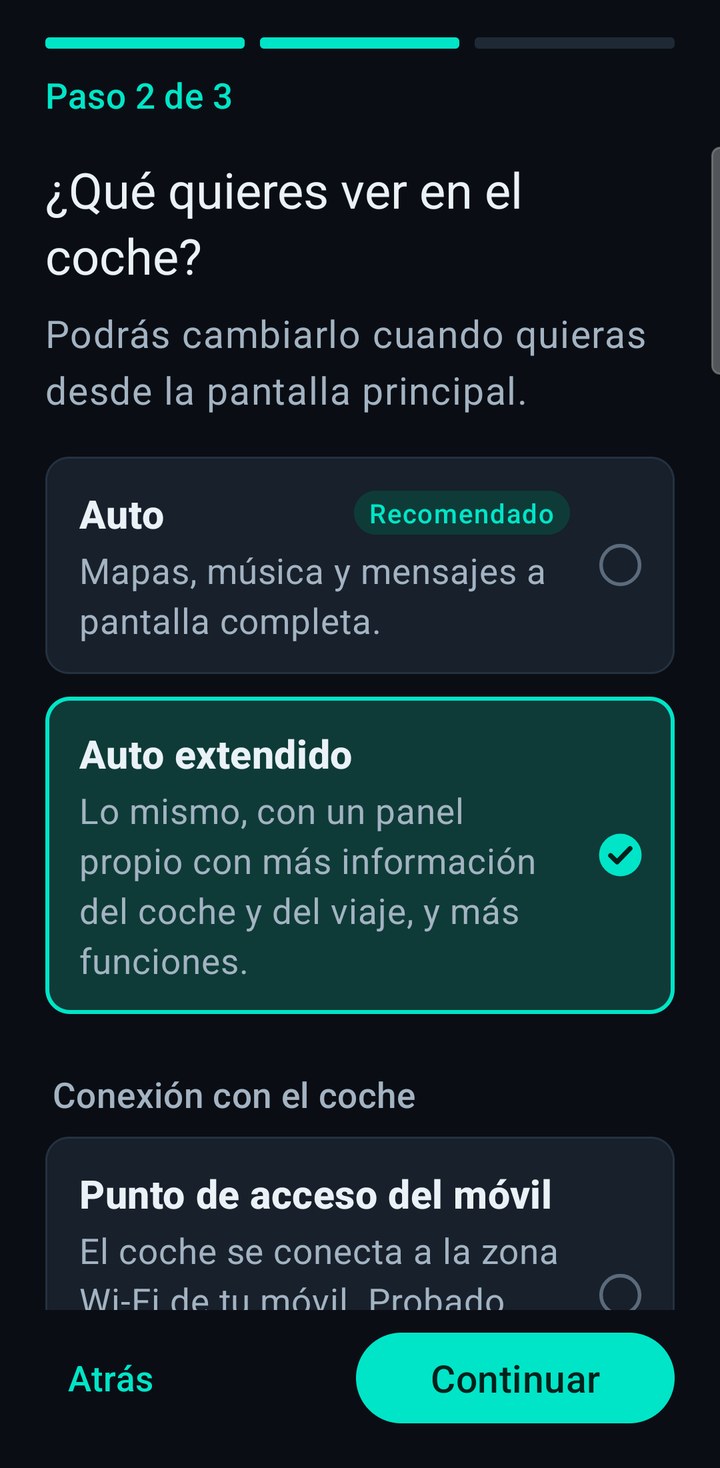
- It connects via the car's factory QDLink app to project Android Auto / Qonecta+ full-screen while showing live Leapmotor telemetry and controls.
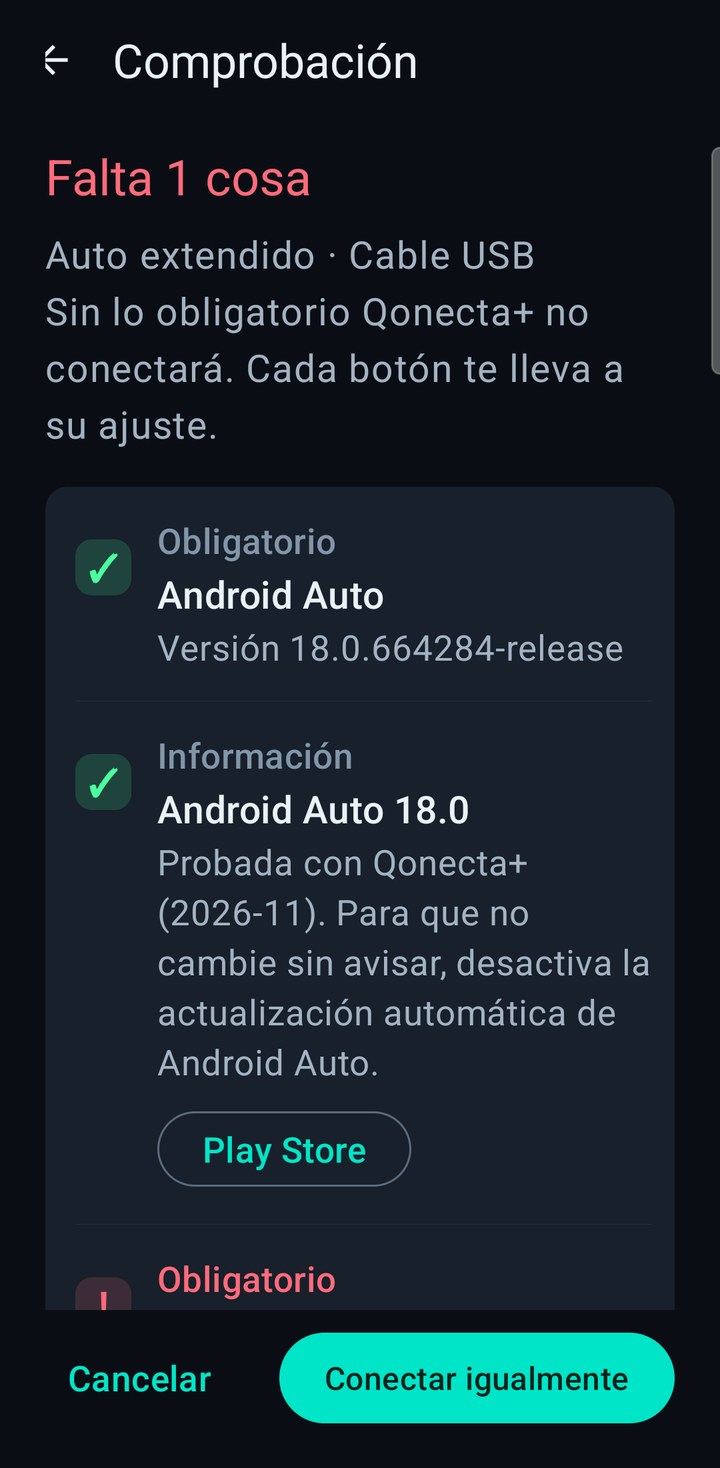
- Always download the signed APK from Qonecta Hub and grant Unrestricted Battery during the Preflight check.
2. My Car (Leapmotor Cloud), Trips & EV Route Planner
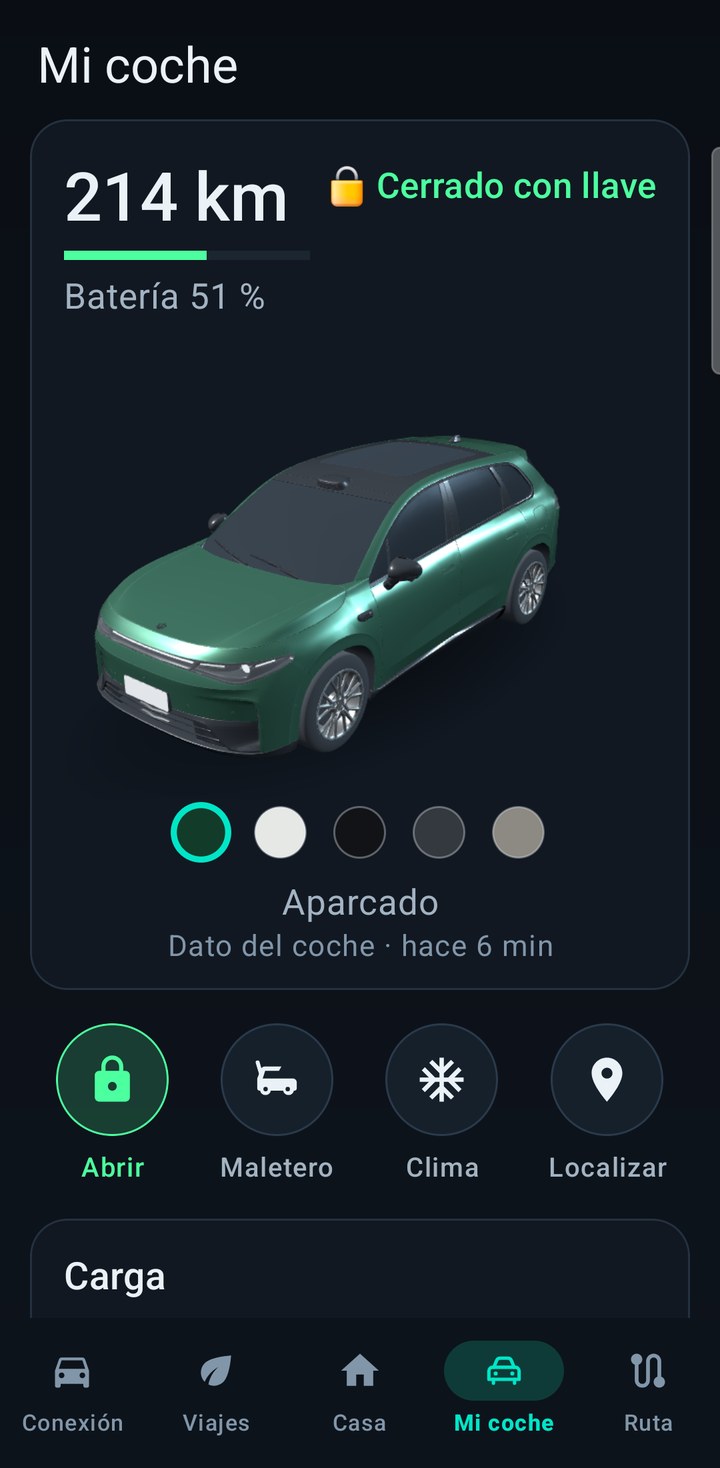
- Car: link your Leapmotor account (client certificate + email + PIN) for SoC %, range, HV battery temp, TPMS pressures, door states and remote commands (lock/unlock, climate, battery preheating, trunk).
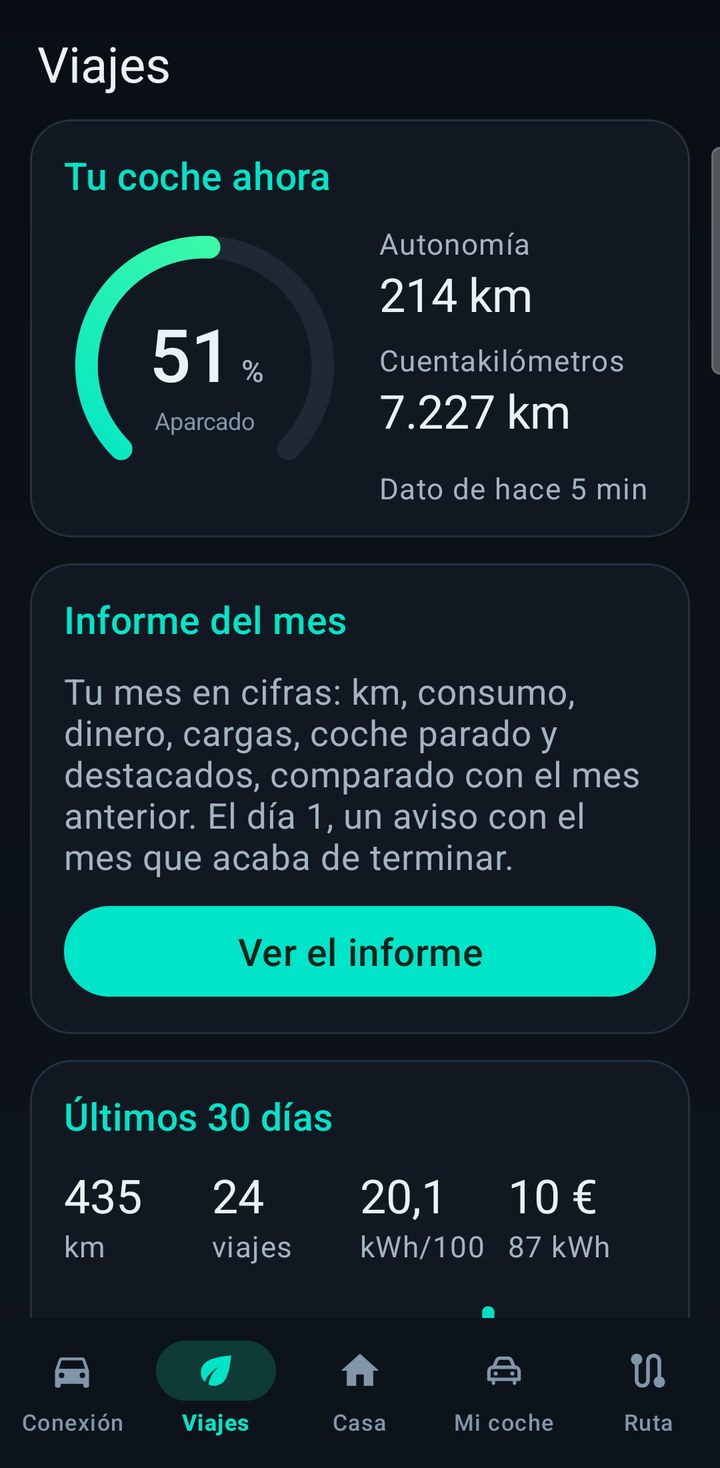
- Trips: logs your real drives and charging sessions with consumption and cost savings.
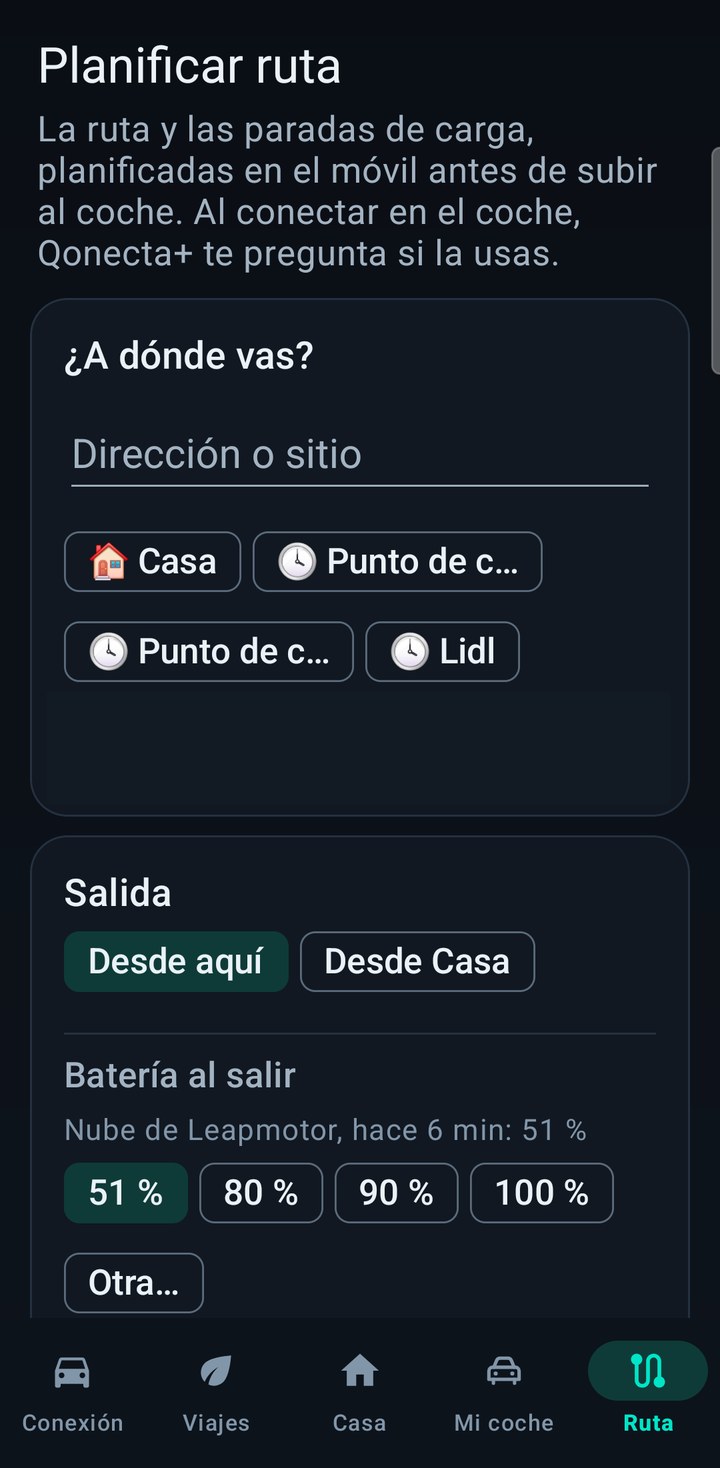
- EV Route: plans long trips with real SoC and DC fast-charging stops.
3. Home (Home Assistant), Settings & Exporting Logs
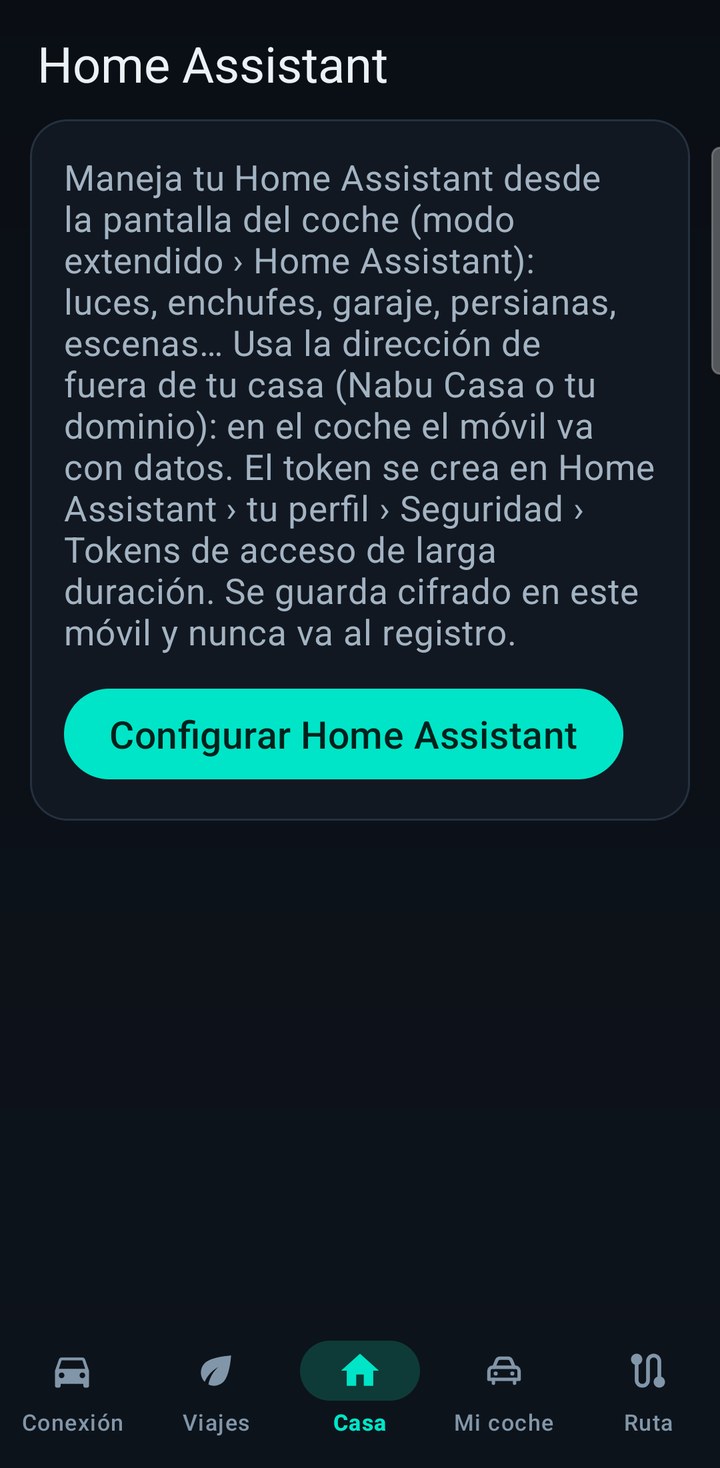
- Home: connect your Home Assistant server (URL + Long-Lived Token) to control garage doors, wallbox and lights.
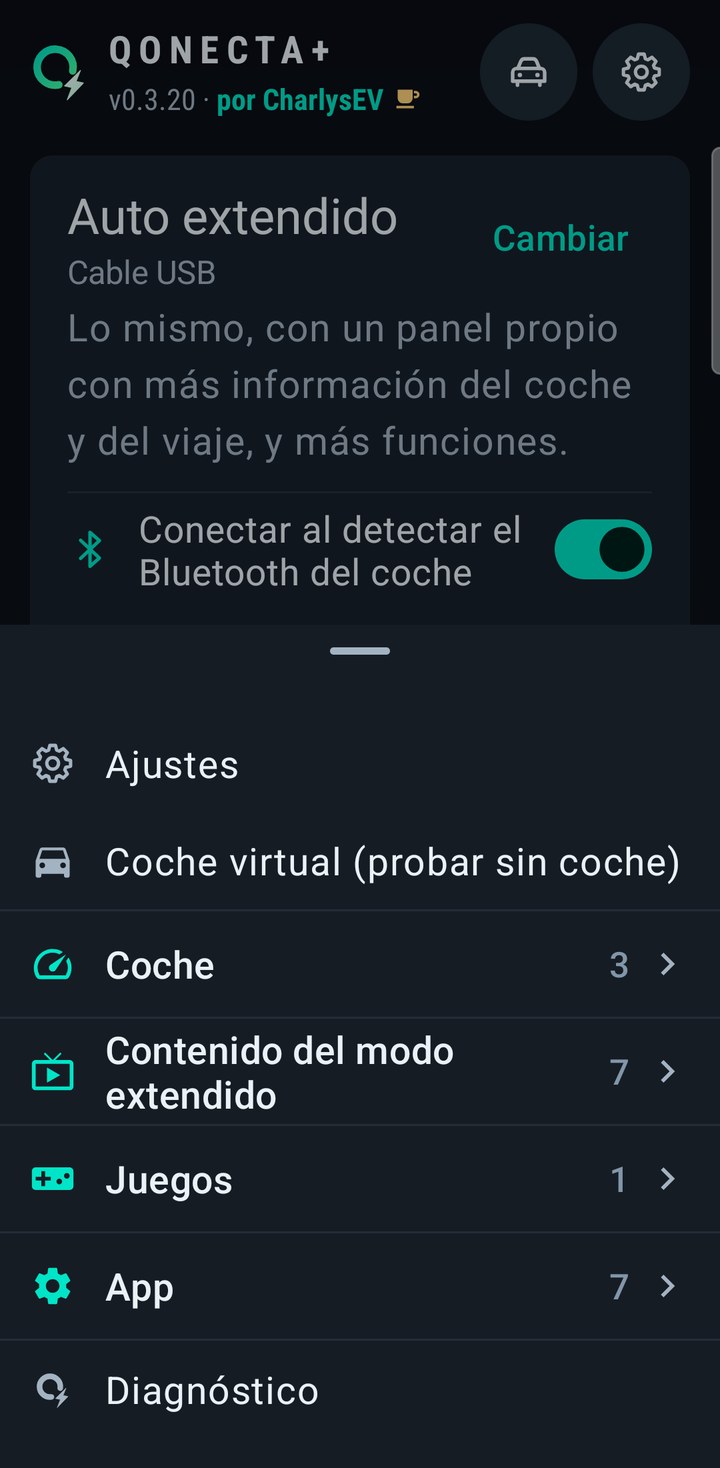
- Settings: configure video resolution, FPS, auto-reconnect and language.
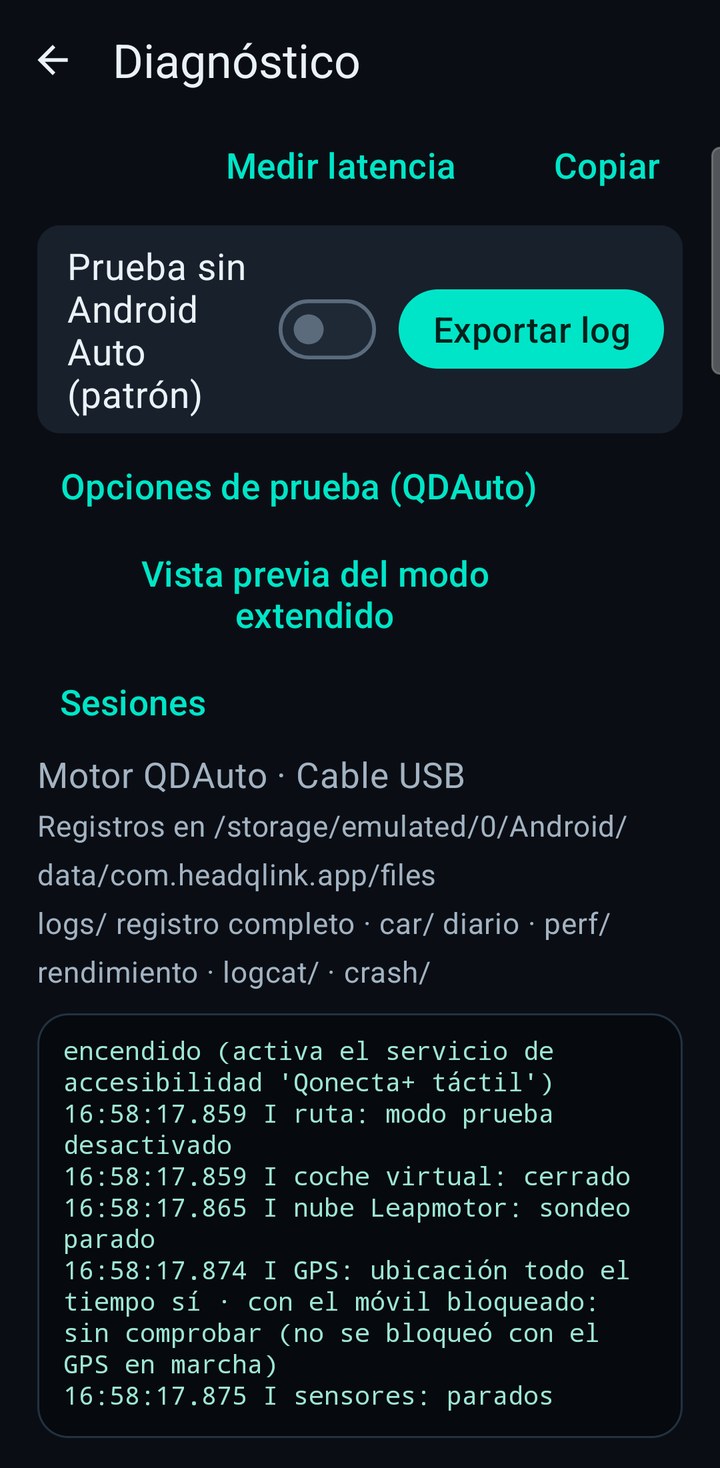
- Diagnostics & Logs: open ⚙ Settings › Diagnostics and tap 'Export log' (or 'Copy' / 'Sessions') to save or share a redacted log file.
Qonecta (Qonecta Unit CORE, Qonecta Unit+ Extended, Qonecta Companion, and Qonecta+) is an independent, free, open-source, experimental community project. It is NOT affiliated with, sponsored, authorized, or endorsed in any way by Leapmotor, Stellantis, Google, or Apple. This software is provided "AS IS" without warranty of any kind; the author and contributors accept no liability for any damage, malfunction, or warranty impact arising from its installation or use. Every user installs and uses it at their own discretion and sole risk.